|
|
|
 |
 |
|
 |
 |
 |
 |
User Interface
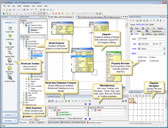
Illustrates the various user interface components.
|
Diagram Display
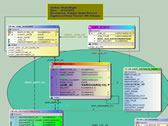
...or as fancy as you like.
|
Notations
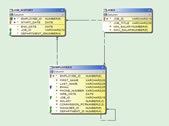
Take your choice of notations.
|
Forward Engineer/Generate Schema
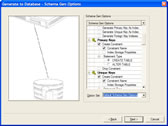
Specify what part of the database you want to compare your model to.
|
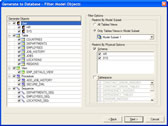
Specify which model objects you want to generate.
|
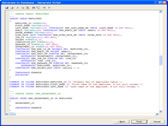 ModelRight creates the script to generate those objects. ModelRight creates the script to generate those objects.
|
Reverse Engineering
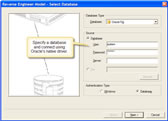 Connect directly to the database using the native OCI driver. Connect directly to the database using the native OCI driver.
|
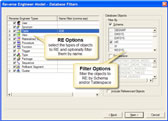 Specify which database objects to RE. Specify which database objects to RE.
|
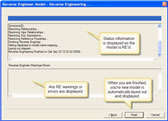 ModelRight will RE the portion of the database that you specify. ModelRight will RE the portion of the database that you specify.
|
Database Compare/Alter Scripts
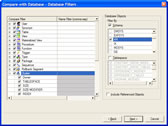
Specify what part of the database you want to compare your model to.
|
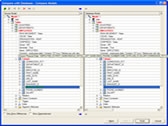
View the differences and update either your model or the database.
|
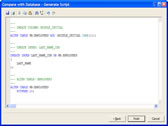
ModelRight can generate ALTER scripts.
|
Reporting
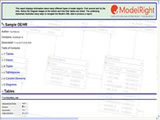
Here is an actual report that was generated from the Sample HR model.
|
|
| |
|
|
|
|
 |
|
 |
|
|
|